



1Song
Create or import the audio core.
AI Music Video
Start with an idea, generate a complete MV
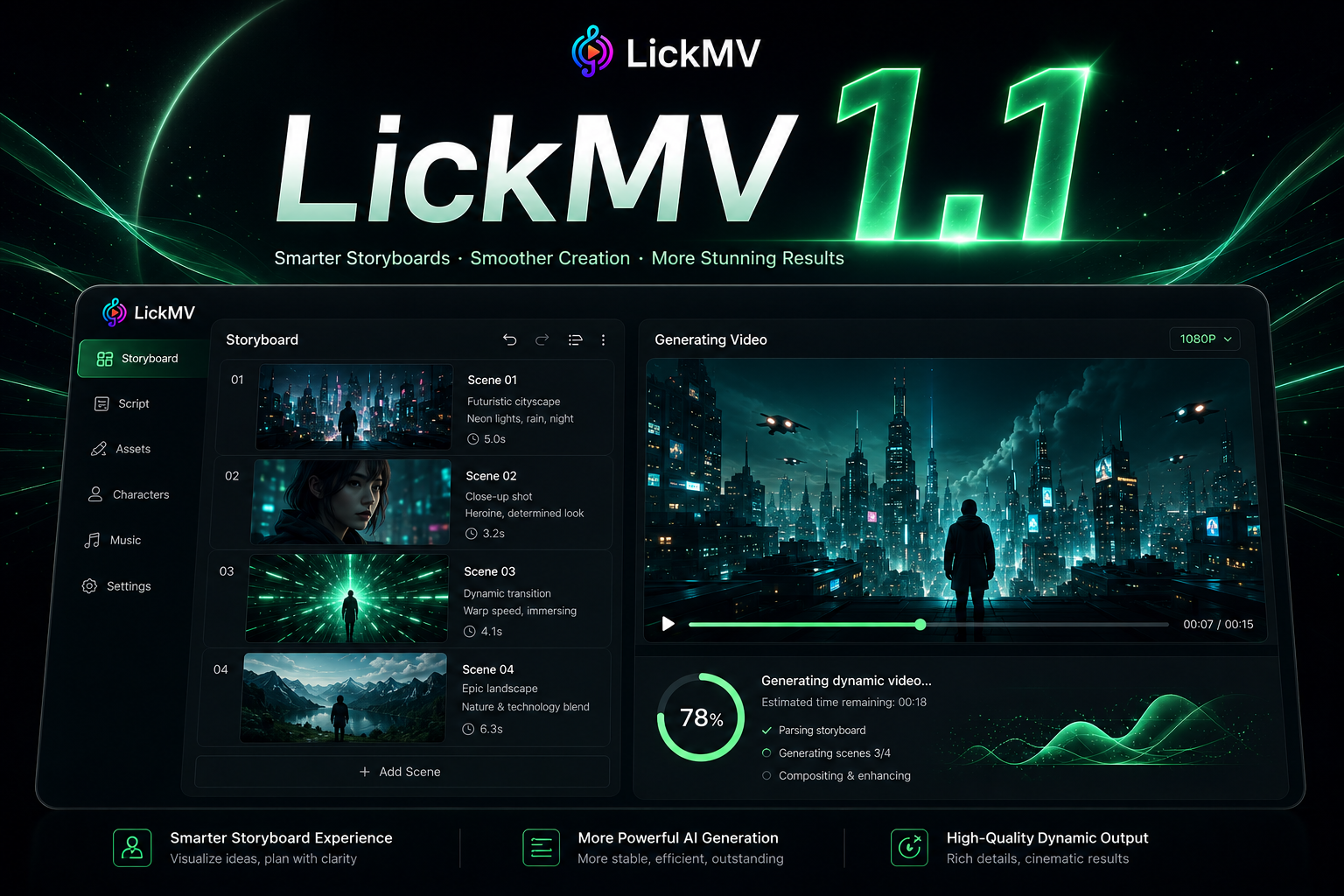
Write a spark, pick a style, or import a finished track. LickMV builds the song-first path into subtitles, storyboards, images, video, and export.
Workflow
From idea to complete MV
Generate or import a song first, then continue through subtitles, storyboards, video and export inside one Studio flow.
2Subtitles
Build a lyric timeline.3Storyboard
Preview the visual direction.4Export
Generate video and finish the MV.Creative outputs
What you can create
Compact homepage content sits in the same Studio language instead of becoming a separate marketing page.
Use cases
Works for these songs
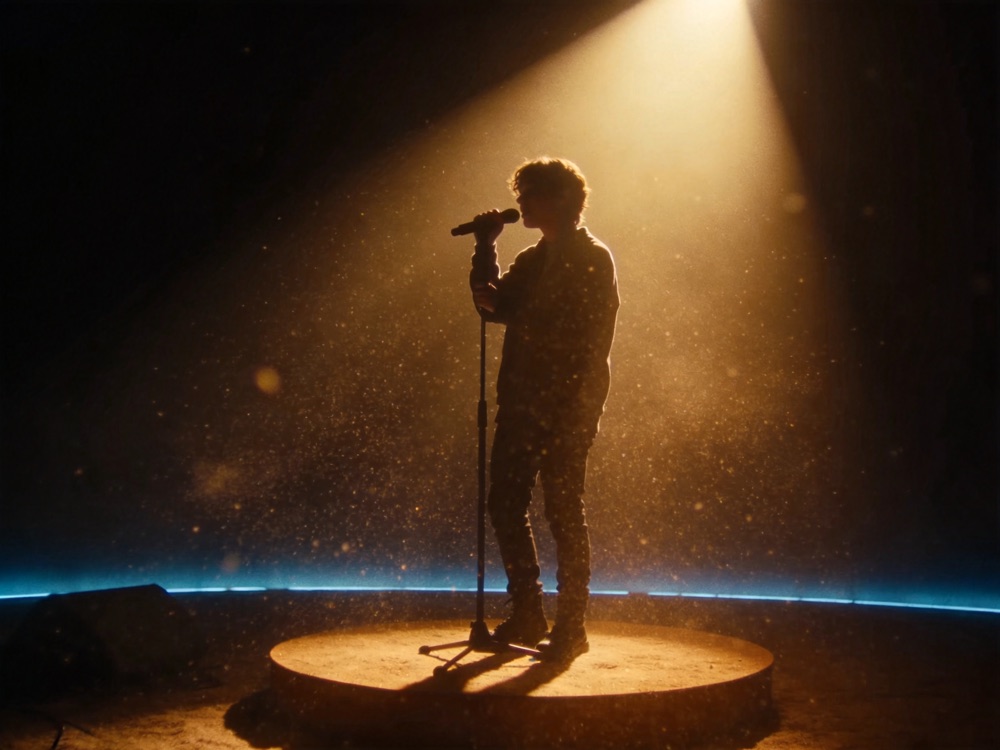
LYRICSLyric MVA song with captions, shots and images.
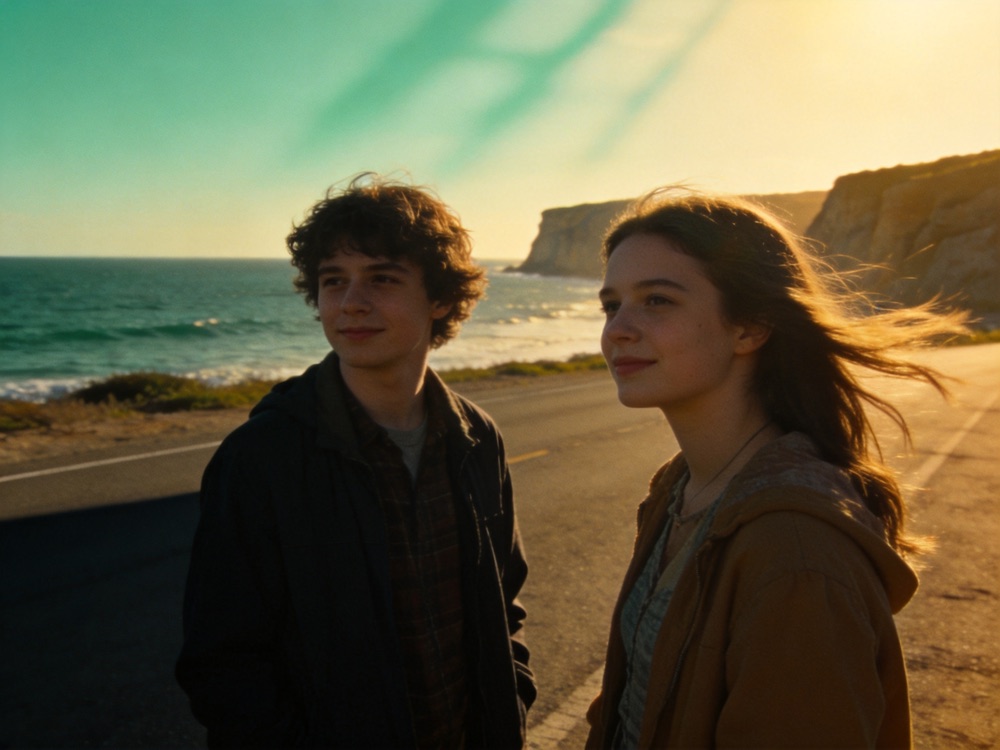
PHOTOSTravel / lifePhotos cut to the rhythm of music.

PEOPLECouple / familyUse references to keep people consistent.

SOCIALShare-readyCover and video in one flow.
Preview the direction first
多端
查看全部下载方式
网页、手机、微信里都能做
网页版打开即用,不必安装;想在手机上随手做,就装 App 或用小程序。同一个账号,作品与点数互通。
Blog
View all guides
From sound to moving images


Q&A
Common questions
Do I need complete lyrics first?
No. Start from one line of inspiration or paste finished lyrics.
Can I use an existing song?
Yes. Import audio, then continue with subtitle recognition, storyboard and video.
Web Studio or iPhone app?
Web Studio is for the complete MV workflow; the iPhone app is for faster mobile creation.